Product overview
MakeGood begins with the user’s actual kitchen rather than a recipe search.
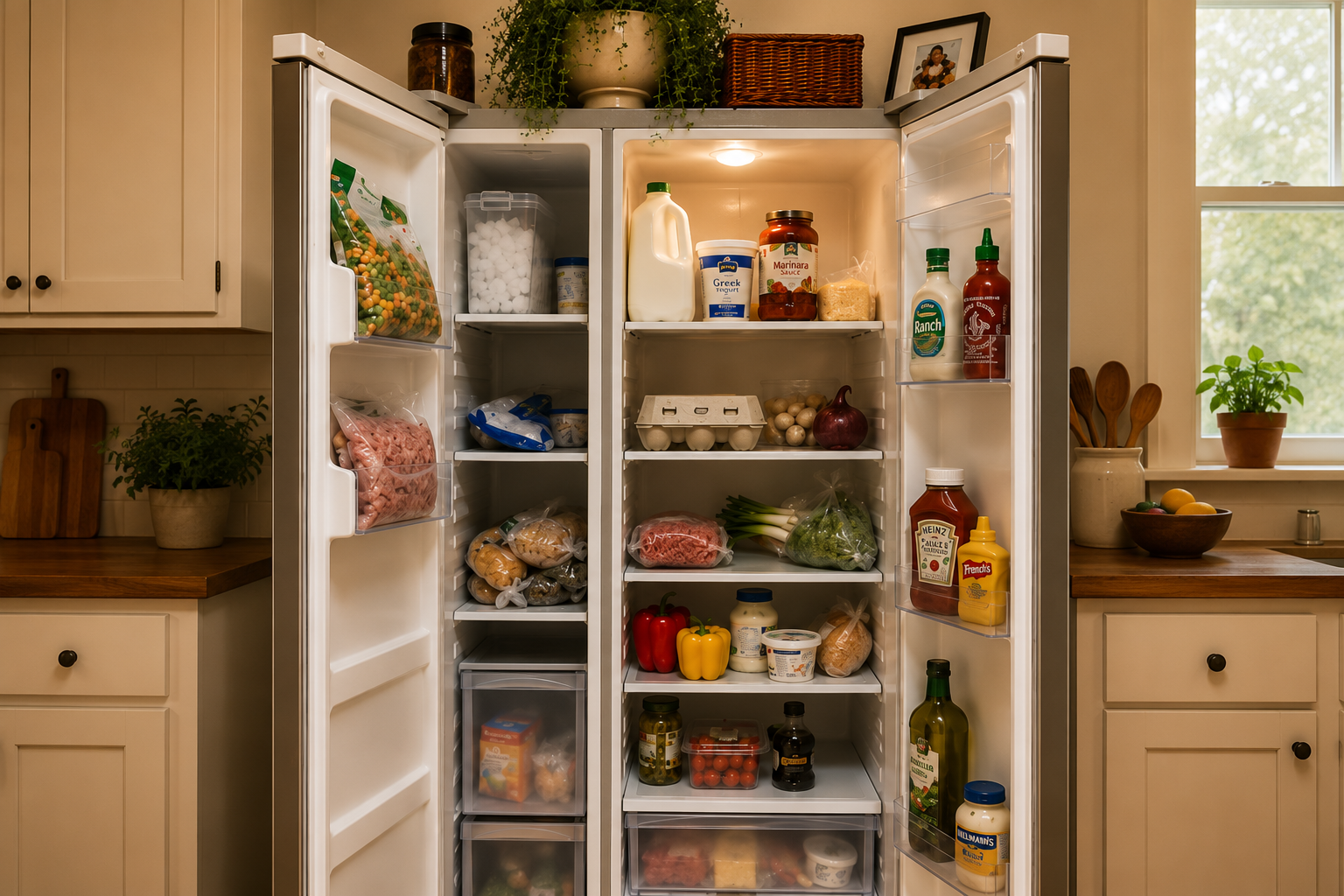
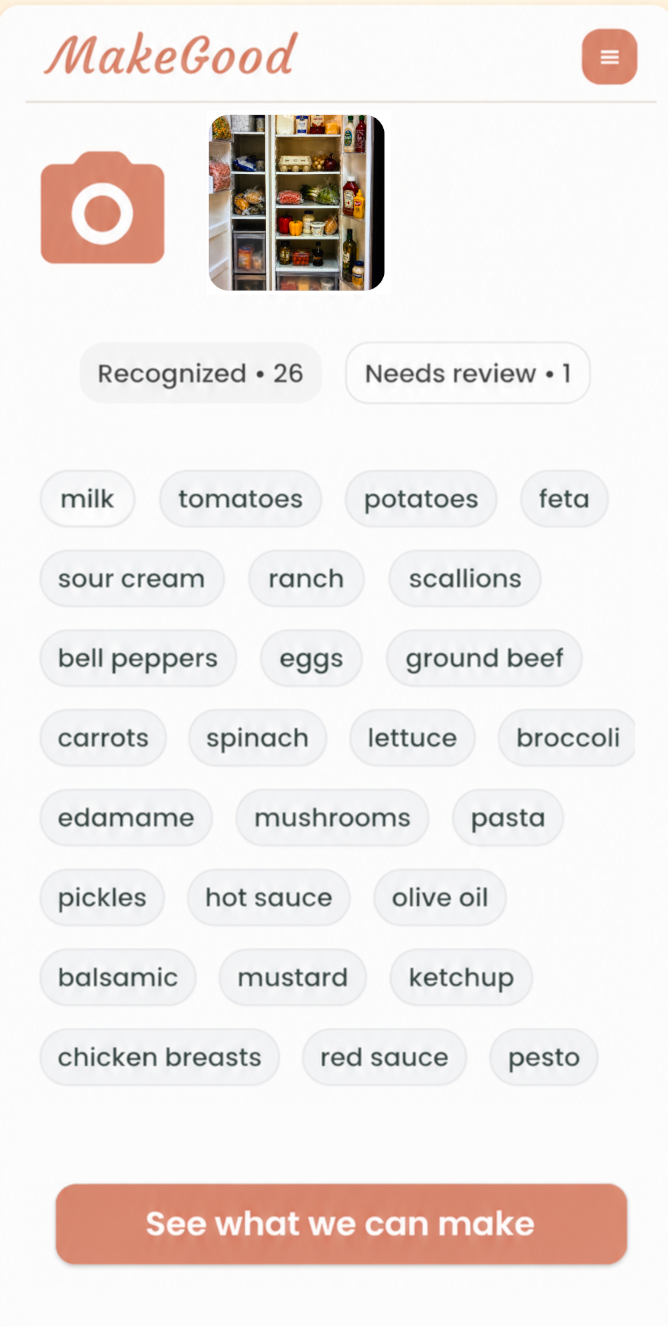
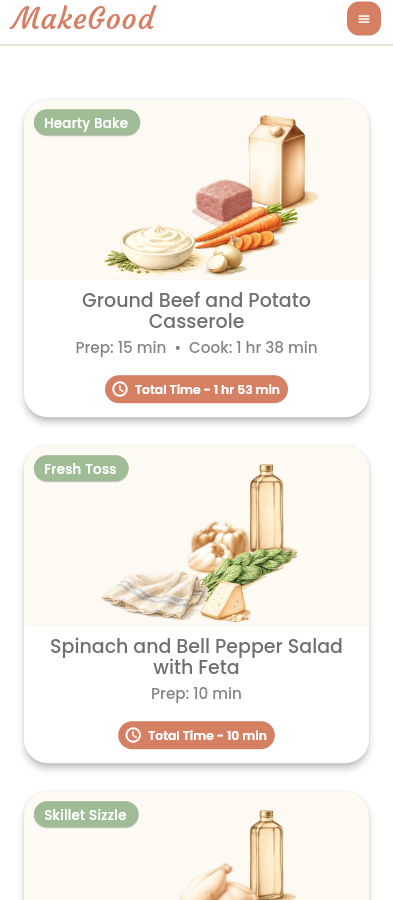
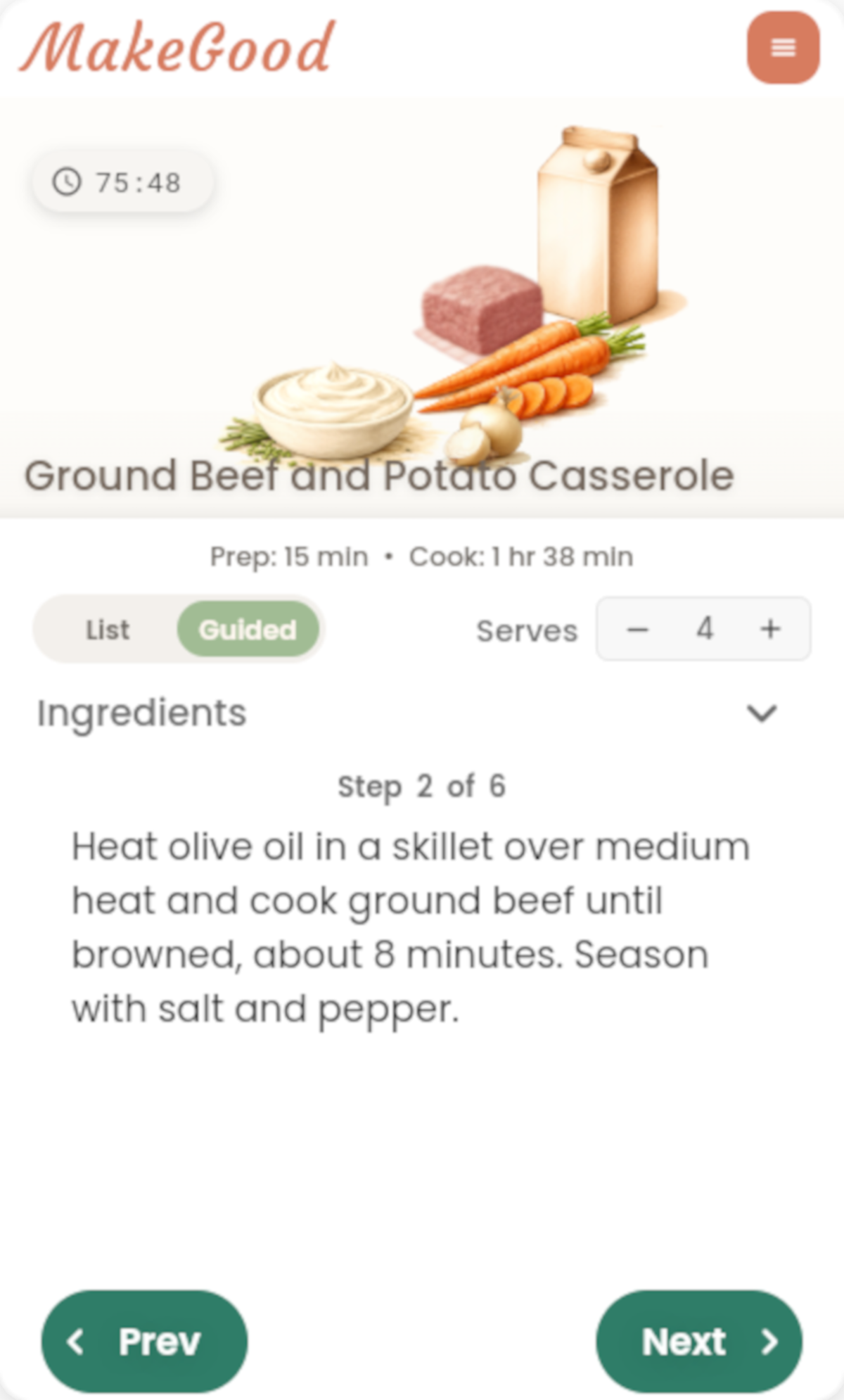
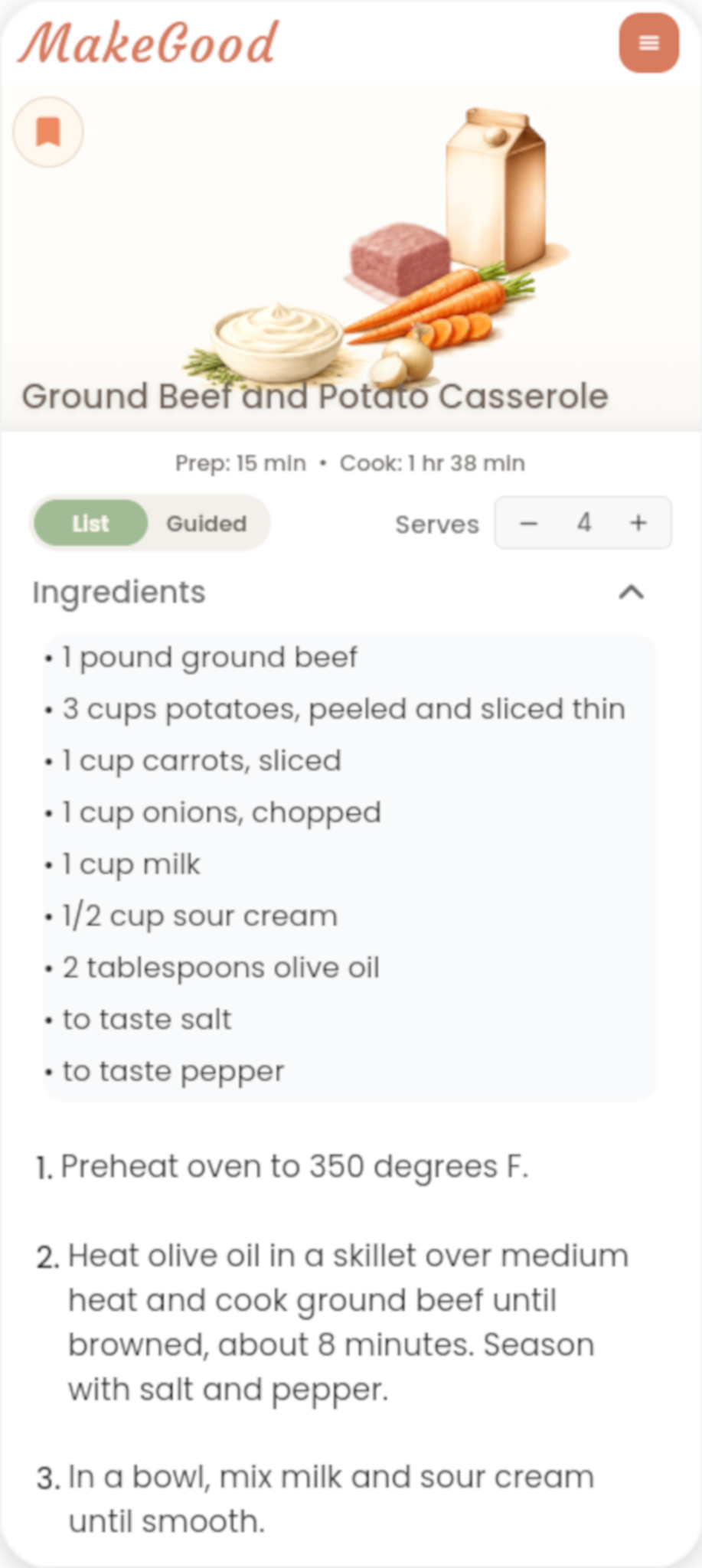
A user photographs available ingredients, reviews what the app recognizes, chooses from meals created around those ingredients, and cooks using guided instructions and built-in timers.
See how MakeGood turns ingredients on hand into dinner ideas.
Why it exists
MakeGood exists to help people make more of what they already have. There’s something wonderful about a kitchen where a few ingredients come together in a way you hadn’t thought of, and become something good. We want to bring some of that resourcefulness, surprise, and magic back to everyday cooking.
With food prices, food scarcity, and waste part of everyday life, how we approach and use our time in the kitchen matters. MakeGood helps people see possibilities in the ingredients they have and guides them from those ingredients to dinner. The value can be practical, using food before it goes bad or making the groceries stretch a little further, and it can be harder to measure: confidence, enjoyment, and the satisfaction of making something yourself.
What makes it different
Most cooking apps begin with a dish. MakeGood begins with the kitchen.
Product facts
- Available for iPhone and Android
- Annual membership: $19.99, subject to the applicable store listing
- One complete free MakeGood experience
- Ingredient recognition from kitchen photos
- Editable ingredient review
- Multiple dinner options
- Guided Cook Mode
- Built-in timers
- Adjustable servings
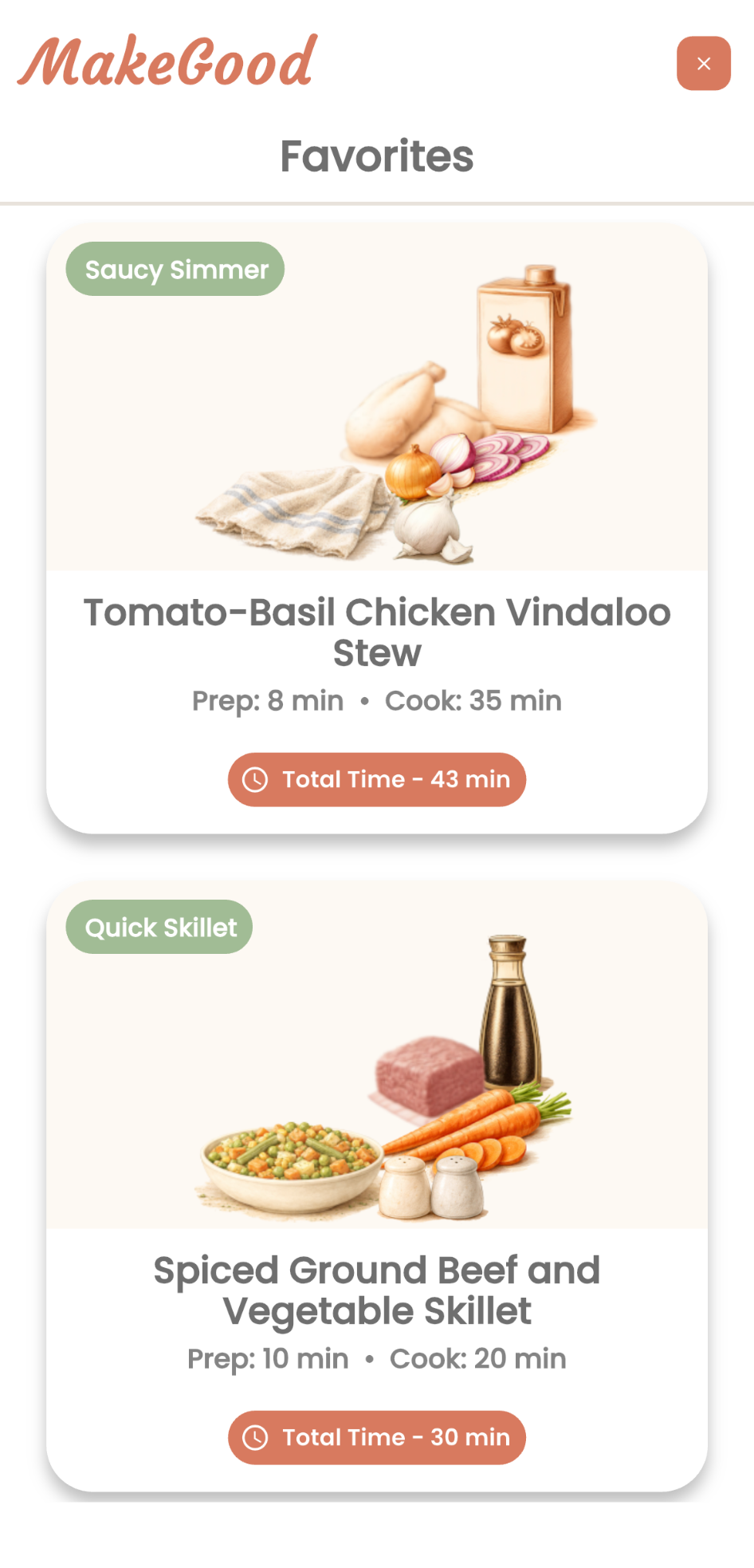
- Saved recipes
Founder
Joshua Sinel created MakeGood through SparkOven.
About SparkOven
SparkOven is the company behind MakeGood. It develops practical consumer products designed to make everyday life more capable, humane, and manageable.
Press assets
Download the MakeGood wordmark, app icon, product screenshots, and approved product imagery.